
📱 China Travel Apps Guide – This guide covers the essential mobile ecosystem for traveling in China: VPN, WeChat, Alipay, navigation, ride‑hailing, train booking, translation, food delivery, and eSIM. All setup must be completed before departure – app stores and foreign websites are blocked once you land.
 Your digital toolkit for China – install everything before you fly.
C hina operates on a mobile‑first infrastructure where apps are not convenience tools but operational necessities. Payments, transport, navigation, hotel check‑in, and even ordering food happen inside a handful of applications. The golden rule: install, configure, and test every single app while you are still at home. Once you land, Google Play and the international App Store are blocked, VPN installation becomes nearly impossible, and linking foreign cards to payment apps gets significantly harder.
⚡ Must‑Read First – Set Up Before You Board
Do not rely on downloading or updating apps after arrival. The non‑Chinese App Store and Google Play are blocked inside China. VPN websites are also inaccessible without an already‑installed VPN. Thirty minutes of preparation at home saves hours of frustration on the ground.
00 / Installation Order – Follow This Sequence
01 / VPN – The First and Most Important Tool
 A working VPN is your gateway to Western services.
Without a VPN, Google, Gmail, Instagram, Facebook, YouTube, and many travel‑booking websites are completely inaccessible. Free VPNs do not work reliably inside China and may expose your data. You need a paid, China‑optimized VPN.
Recommended VPNs (2026)
Based on recent user reports, NordVPN, ExpressVPN, and Surfshark are the most consistent performers. Astrill is another solid option, especially for long‑term stays.
Setup Checklist (Do This at Home)
- Install the VPN on every device you bring (phone, laptop, tablet).
- Test at least three different server nodes that specifically list “China” or “Asia” as an option.
- Enable auto‑connect on startup and the kill switch to prevent accidental data leaks.
- Write down your VPN login credentials on a physical note – your phone may die.
02 / WeChat (微信) – China’s Super App
 WeChat – messaging, payments, and mini‑programs in one app.
WeChat is not just a messaging app. It replaces WhatsApp, Venmo, Uber, Google Pay, and dozens of other services inside a single interface. If a local gives you their contact information, it will be a WeChat ID.
Setup at Home
- Download the international version of WeChat (not the mainland Chinese version).
- Register using your home phone number – not a temporary eSIM number.
- Open Me → Services → Wallet and link your Visa, Mastercard, or Amex. All major international cards are supported as of 2026.
- Run a small test payment (e.g., send a ¥1 red envelope to a friend or do a ¥1 mobile top‑up).
- Enable built‑in translation: Settings → General → Translation.
Key Features in China
- Mini‑programs – DiDi rides, metro QR codes, food delivery, museum tickets, all inside WeChat without separate downloads.
- WeChat Pay – accepted everywhere from street vendors to luxury hotels.
- QR codes – the universal mechanism for paying, ordering, and joining groups.
🟢 2026 Update: PayPal now works in China via WeChat Pay. U.S. PayPal accounts can scan any WeChat Pay merchant QR code – funds are deducted directly from your PayPal balance or linked card.
03 / Alipay (支付宝) – The Second Essential Payment App
 Alipay – link your card and pay with QR codes.
Install both WeChat Pay and Alipay. Some small businesses accept only one of them. Alipay generally offers higher transaction limits for international users: up to ¥5,000 per transaction and ¥20,000 per day.
Setup at Home
- Download Alipay International.
- Link an international credit card (Visa/Mastercard). Run a small test transaction – a ¥1 top‑up confirms everything works.
- If you don’t have an international card, use the Tour Pass feature to preload foreign currency (USD, EUR, GBP). Unused funds are refundable before you leave China.
Why You Need Alipay
- Integrated metro and bus QR codes – scan directly at the gate.
- Real‑time currency conversion shows your home currency cost at checkout.
- Scan restaurant QR codes – the menu opens and auto‑translates inside the app. This alone is worth the setup.
04 / Amap (高德地图) – The Only Map You Need
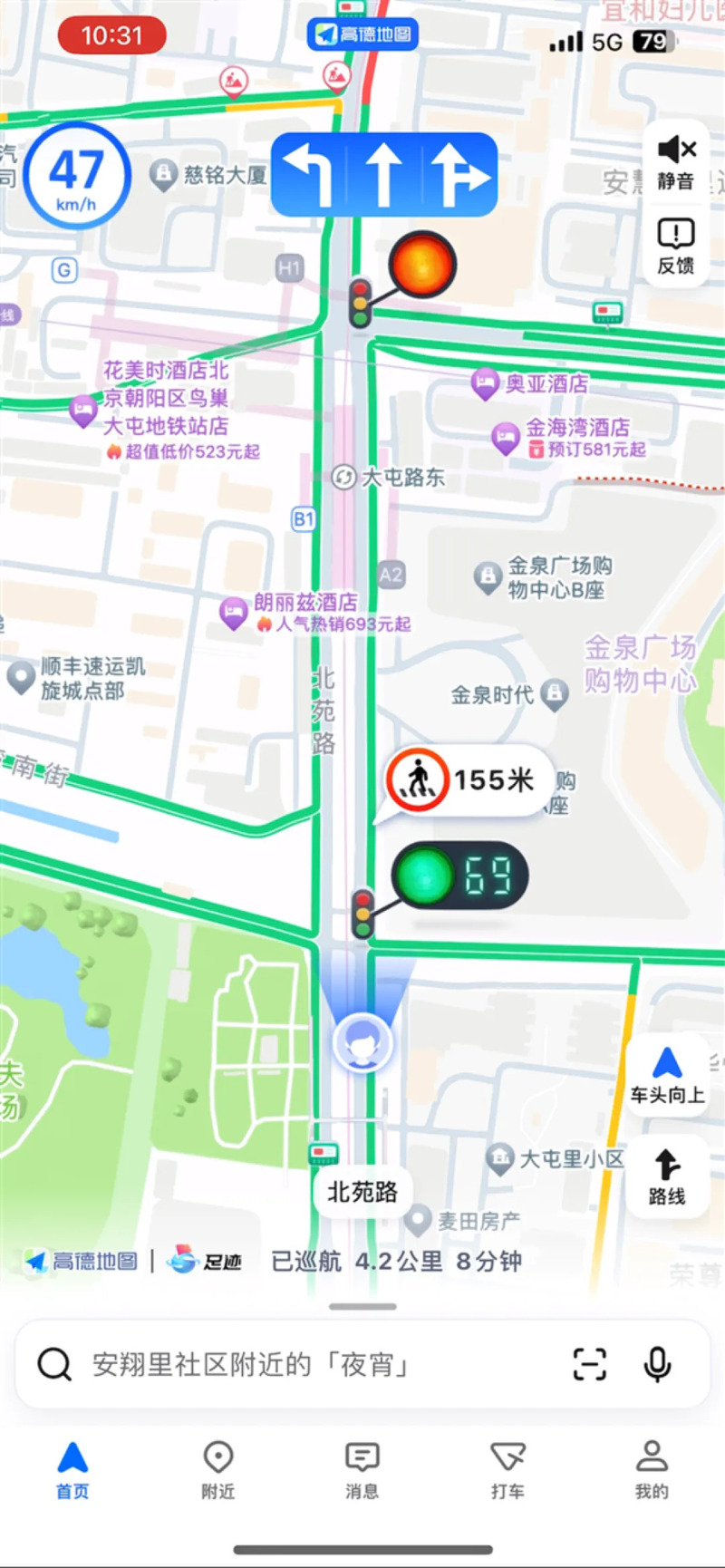 Amap – offline maps and real‑time transit data.
Google Maps does not work in China – even with a VPN, the location data is often incorrect and lacks real‑time traffic. Amap (Gaode Maps) is the local standard and significantly more accurate for walking, driving, and public transit.
Setup at Home
- Download Amap and switch the interface to English: Settings → General → Language.
- Download offline maps and offline navigation packs for every city on your itinerary – navigation works even without a signal.
- Save your hotel, airport, and major attractions as favourites using Chinese addresses (English address recognition is unreliable).
- Test offline navigation to confirm it works without a network.
Usage Tips
- Public Transit mode gives step‑by‑step metro and bus directions with exact platform numbers and live arrival times.
- Walk mode is reliable even in narrow alleyways (hutongs).
- Apple Maps in China uses Amap data, so it works fairly well – but Amap remains the most complete option.
05 / DiDi International – Ride‑Hailing, Not Street Taxis
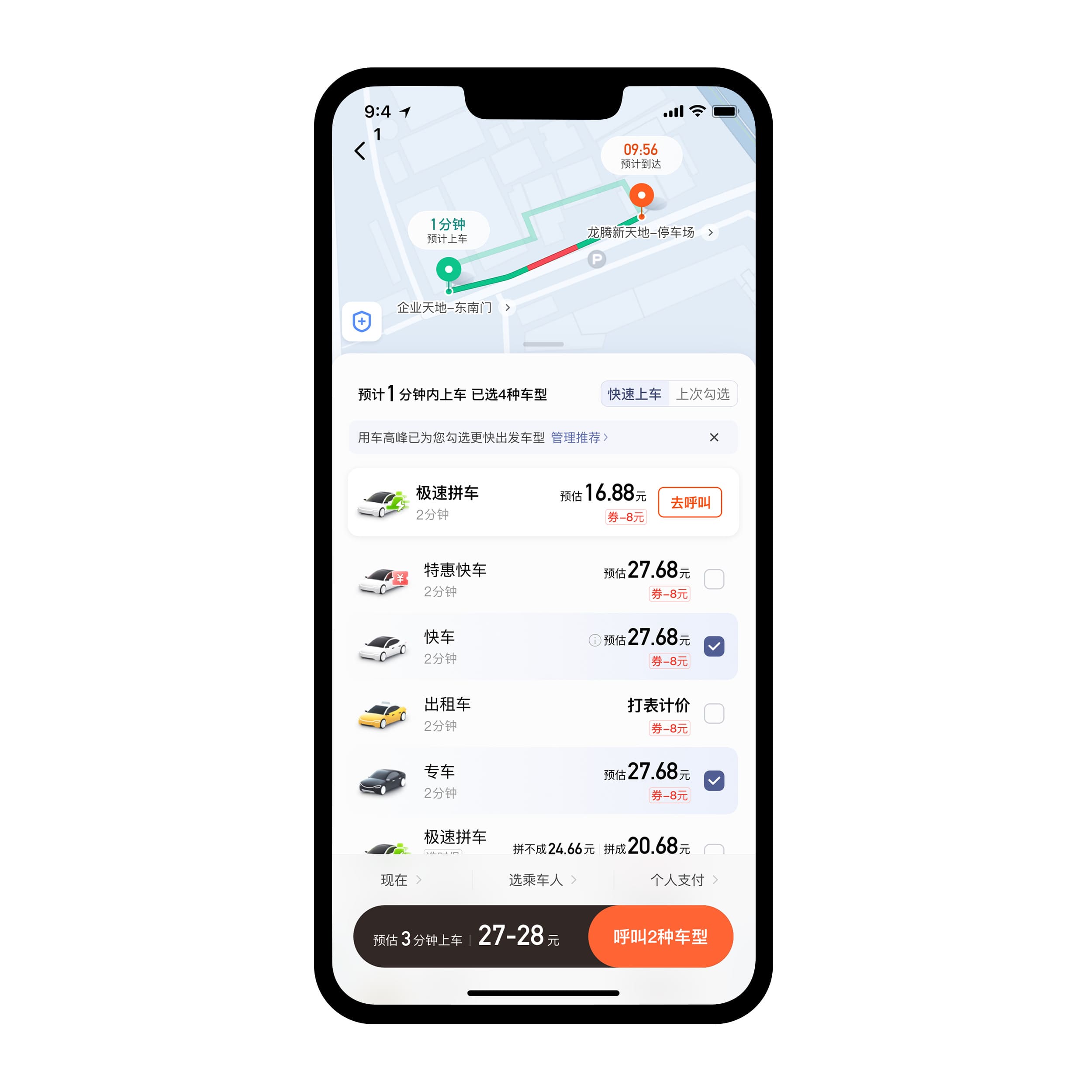 DiDi – fixed fares, no haggling.
DiDi is China’s dominant ride‑hailing platform. Never hail taxis at the curb, especially near airports and train stations – unlicensed vehicles are common and frequently overcharge tourists. Street taxis typically cost 2‑3× more than DiDi for the same journey.
Setup at Home
- Download DiDi International (separate from the mainland Chinese DiDi app).
- Register with your phone number and link your credit card.
- Alternatively, use the DiDi mini‑program inside WeChat – identical features, no separate install.
Usage Tips
- Enter destinations in Chinese characters – copy from your hotel booking or from Amap.
- Fares are shown upfront; no haggling.
- Drivers may call when they arrive – use the app’s built‑in translation or show them the destination on your phone.
- Payment is automatic through your linked card.
06 / Trip.com – High‑Speed Rail & Flights
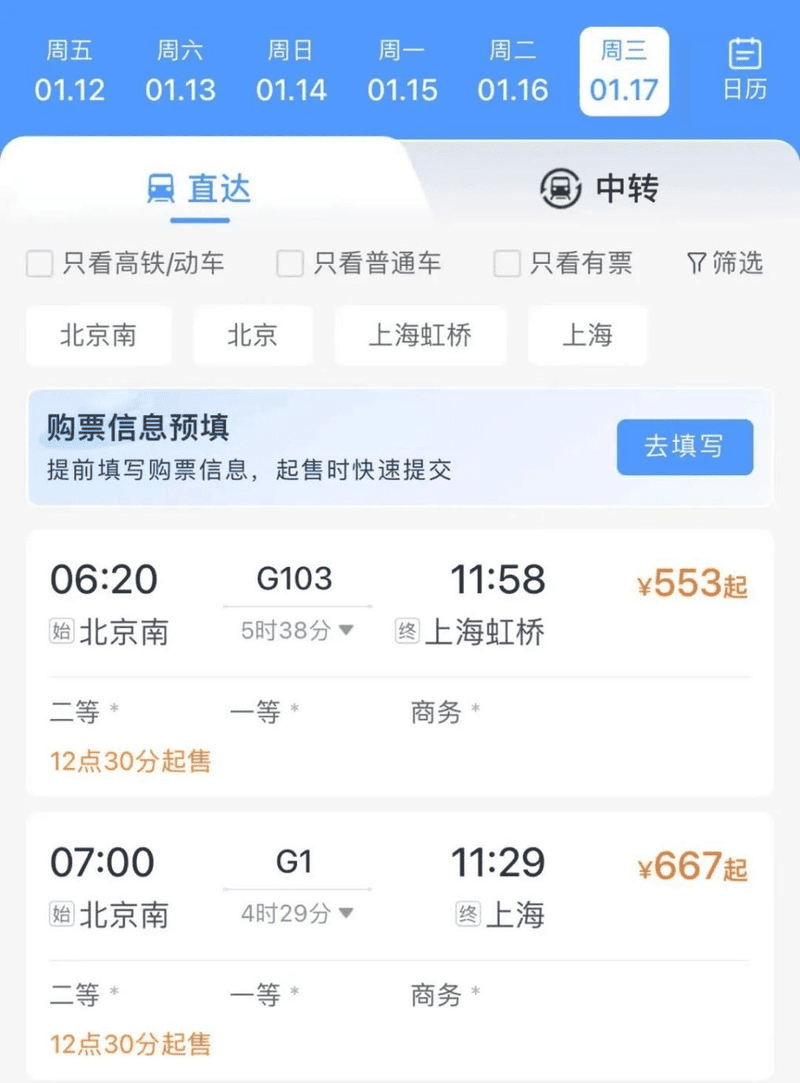
Trip.com is the most reliable international platform for booking high‑speed rail tickets in China. The official 12306 app has a difficult international interface and frequent payment failures for foreign cards.
Setup at Home
- Download Trip.com and sign in.
- Link a credit card and run a dummy booking (without completing payment) to confirm the process works.
- Save your passport details to your account for faster checkout.
07 / Translation – Offline Packs Are Non‑Negotiable
 Offline translation – essential when data is spotty.
Even basic Chinese phrases can be hard to pronounce. A good offline translation app bridges the gap when Wi‑Fi is unavailable or your VPN fails.
Recommended Apps
- Pleco – the gold standard for Chinese dictionaries. Works completely offline, supports handwriting and camera‑based character recognition.
- DeepL – most accurate English ↔ Chinese translation. Download the offline language pack before departure.
- Baidu Translate – better at recognizing spoken Chinese and regional dialects. Also supports offline packs.
- WeChat Translate – built into the app; long‑press any Chinese message to translate instantly.
Setup at home: For each translation app, open the settings and download the offline English–Chinese language pack. Test it by turning on airplane mode and translating a sentence.
08 / Food Delivery – Meituan & Ele.me
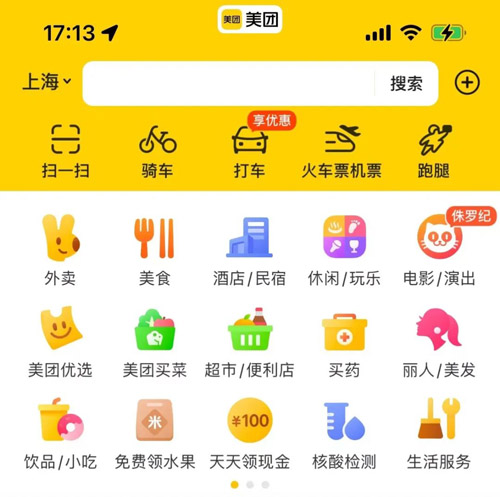 Food delivery – 30 minutes to your hotel.
Food delivery is incredibly fast and cheap in China. Meituan (美团) and Ele.me (饿了么, now rebranded as Taobao Flash Buy) deliver from thousands of restaurants directly to your hotel.
How to Use
- Both apps accept international cards when linked via WeChat Pay or Alipay.
- Easiest method: search for “Meituan Takeout” mini‑program inside WeChat – the interface auto‑translates.
- Delivery typically takes 30 minutes citywide.
- Track your order in real time – the driver’s location updates on a map.
09 / Bonus Apps – Reviews & Social
- Dianping (大众点评) – China’s Yelp. Find restaurant ratings, user photos, and real reviews. Switch the interface to English in settings.
- HelloTalk – language exchange app. Connect with Chinese speakers who want to practice English. Many are happy to meet up and show you local spots. Create a profile before departure.
- MetroMan China – offline subway maps for major cities. Useful as a backup to Amap.
📶 eSIM & Connectivity – See Our Dedicated Guide
Getting a local eSIM (or international roaming eSIM) is critical for staying online. Purchase and install an eSIM before you fly – providers like Airalo, Holafly, and Nomad work in China. For full setup instructions, pricing, and VPN‑included eSIM options, refer to our China eSIM / Internet Guide (separate article).